Locked templates, so every poster keeps your look.
Your logo, type and colors stay where the designer put them, whoever is on shift.
Instagram posters for newsrooms
FastGen is an Arabic-first poster maker for newsrooms. The designer builds the template once. Editors swap in the photo and headline, then export for Instagram in minutes.
Runs in your browser. Nothing to install.
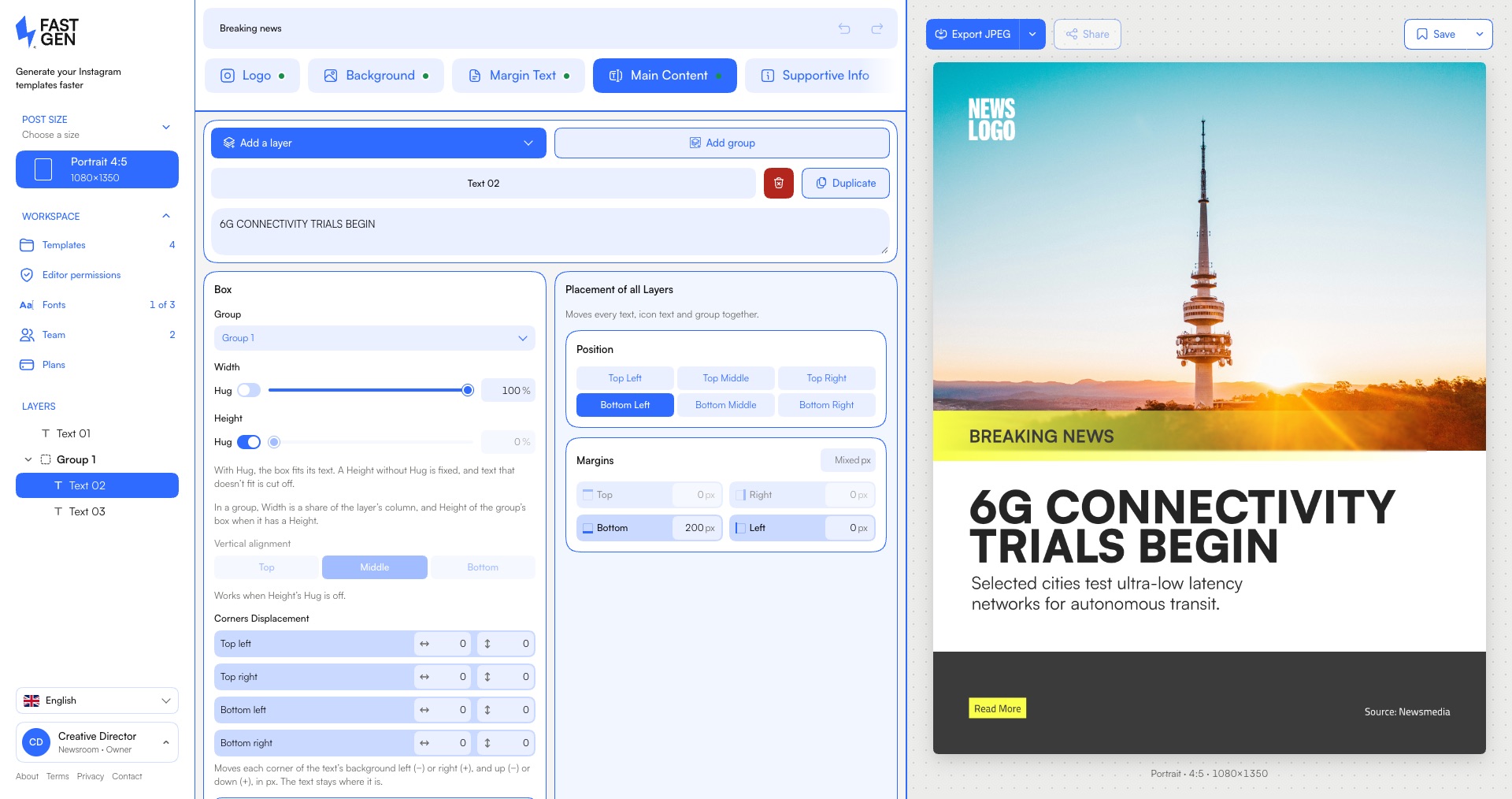
11:40 p.m.
The photo is in. The headline is written. The designer has gone home.
So someone opens last night’s file, types over the old headline and hunts for the right font. The logo drifts. The strap moves. By the time the poster goes out, it no longer looks like your newsroom.
Fast usually costs you your look. It doesn’t have to.
Four features, each stated as the outcome it gives the desk.
Your logo, type and colors stay where the designer put them, whoever is on shift.
Arabic, English and mixed headlines work from the first word, in your own licensed fonts, with OpenType features in the editor.
Paint a brush over anything that should not be in the photo, then remove it with AI, blur it or pixelate it. AI Extend fills the empty space around a photo: your original goes back on top, pixel for pixel, and you review every result.
Bring your editors and admins into one organization. Plans are flat per organization, not per seat.
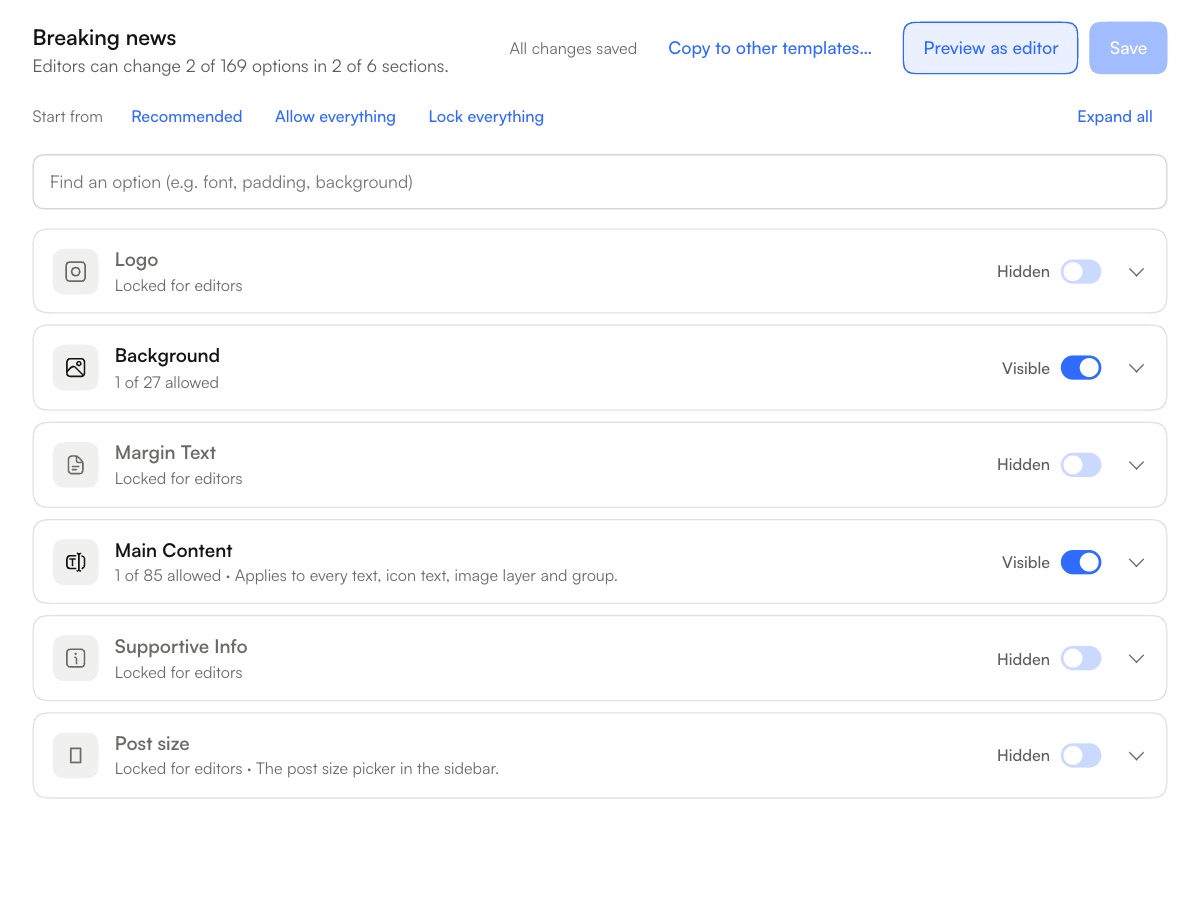
Layout, type, logo and colors, then what an editor can change and what stays locked.
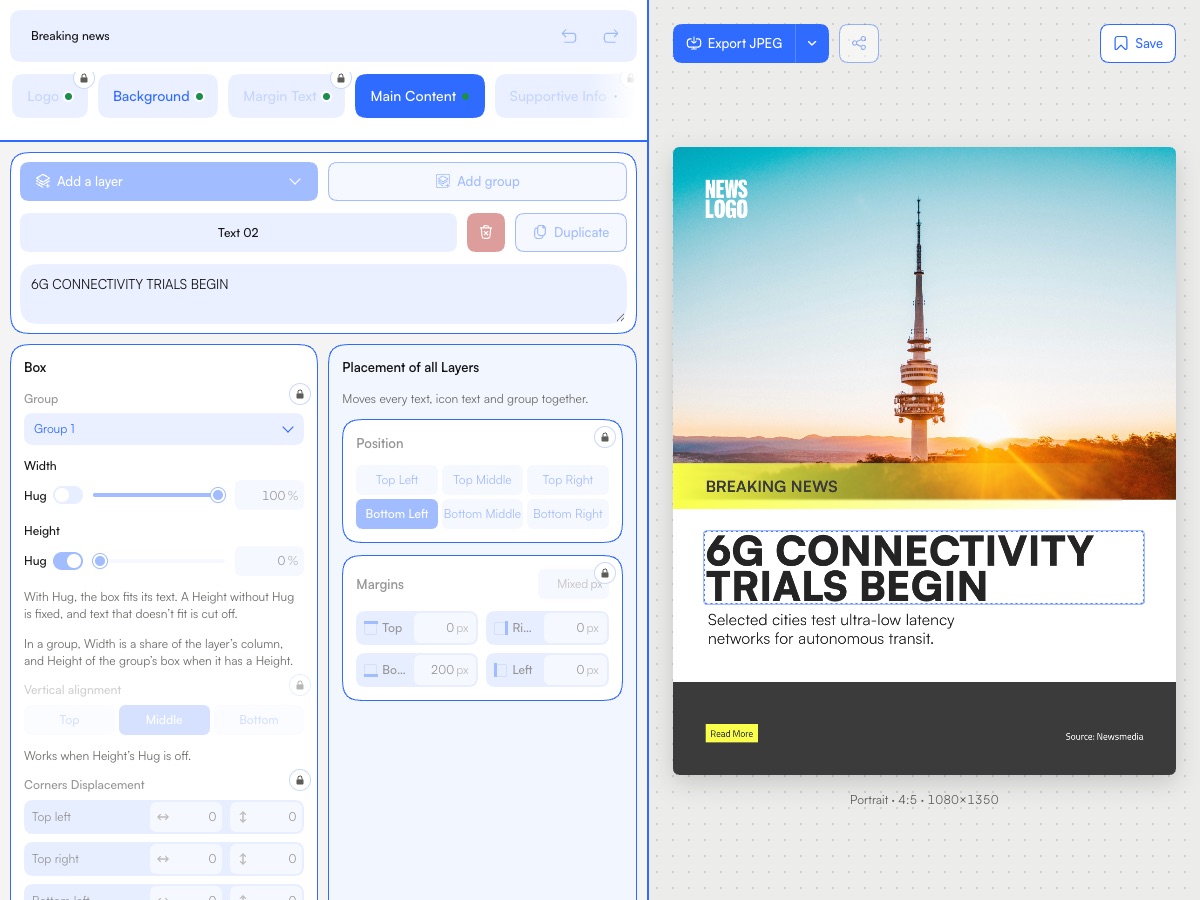
Photo, headline, done. In minutes, and whatever the designer locked stays put.
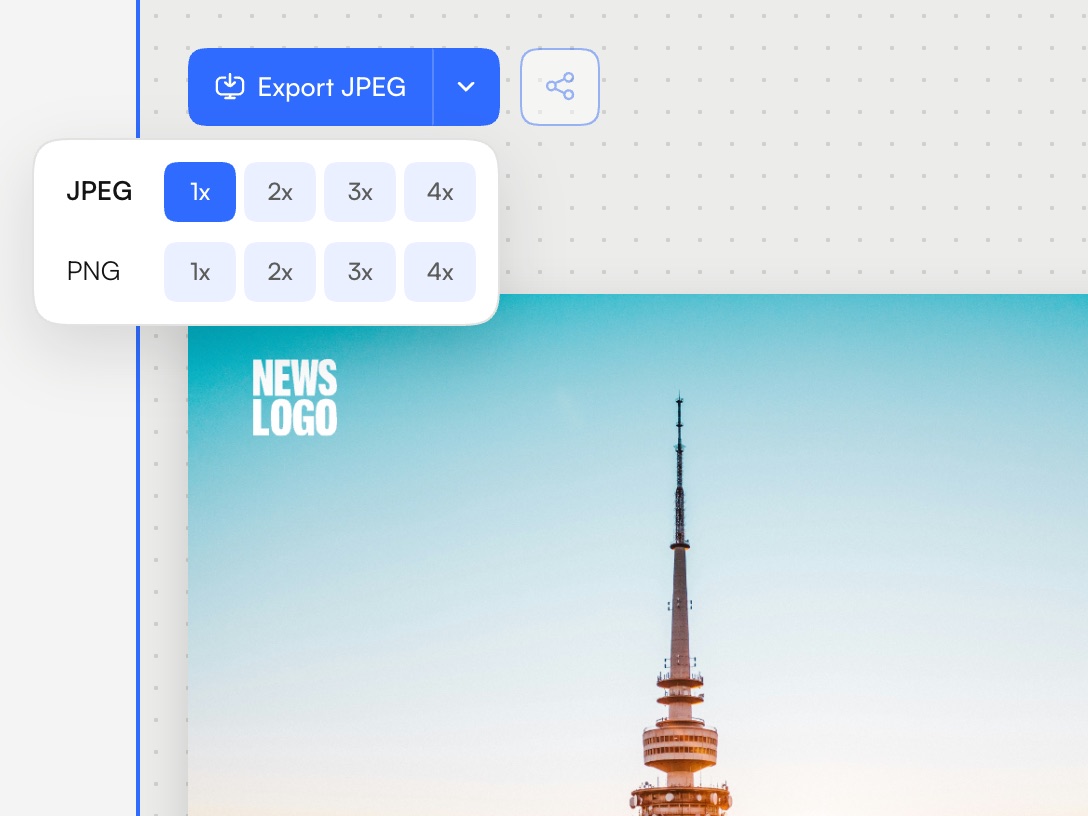
Export for Instagram as JPEG or PNG.
FastGen doesn’t replace your designer. It is how their work reaches every poster.
Start your free trialFour news posters, each from its own template.
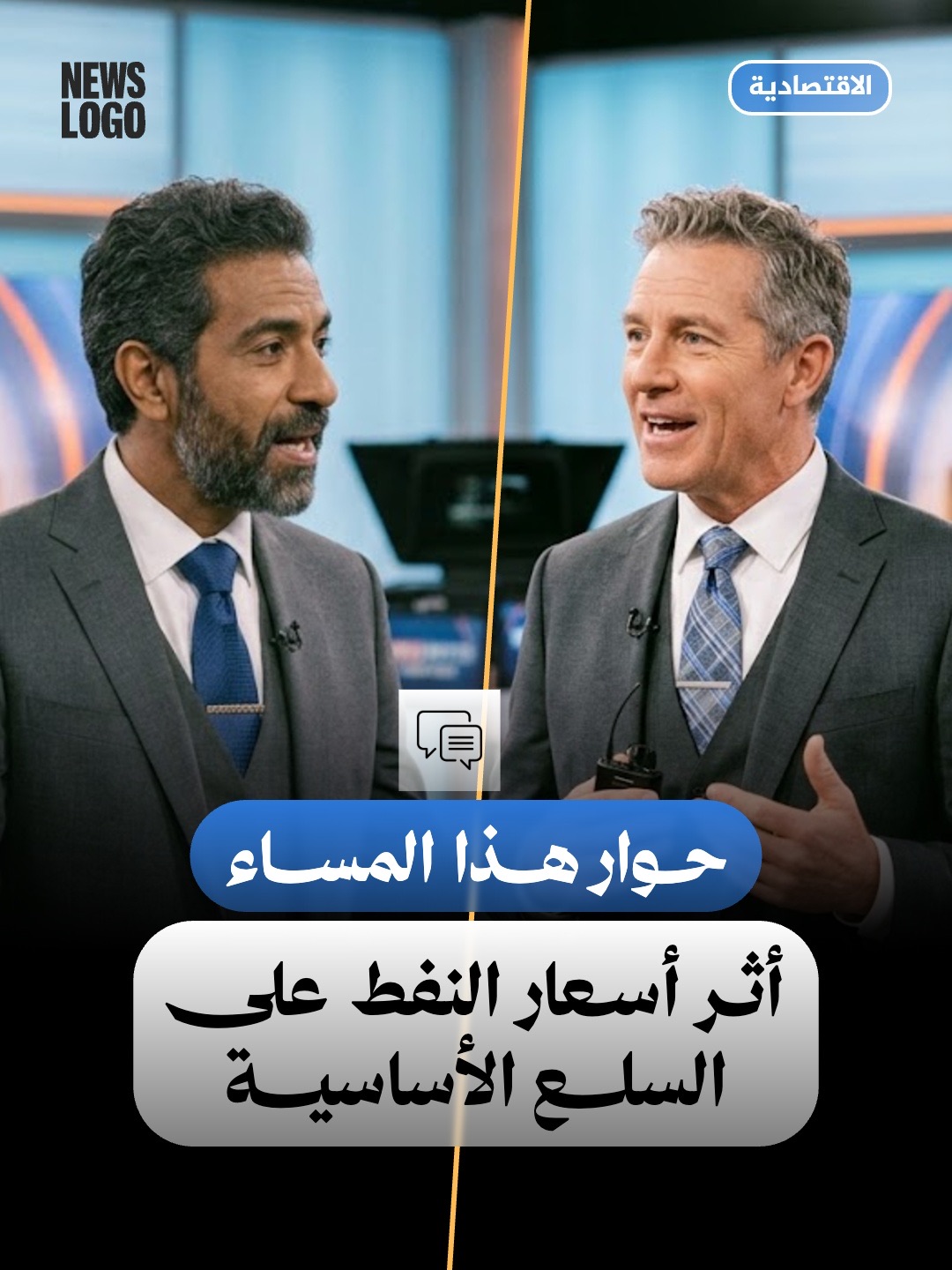
An interview
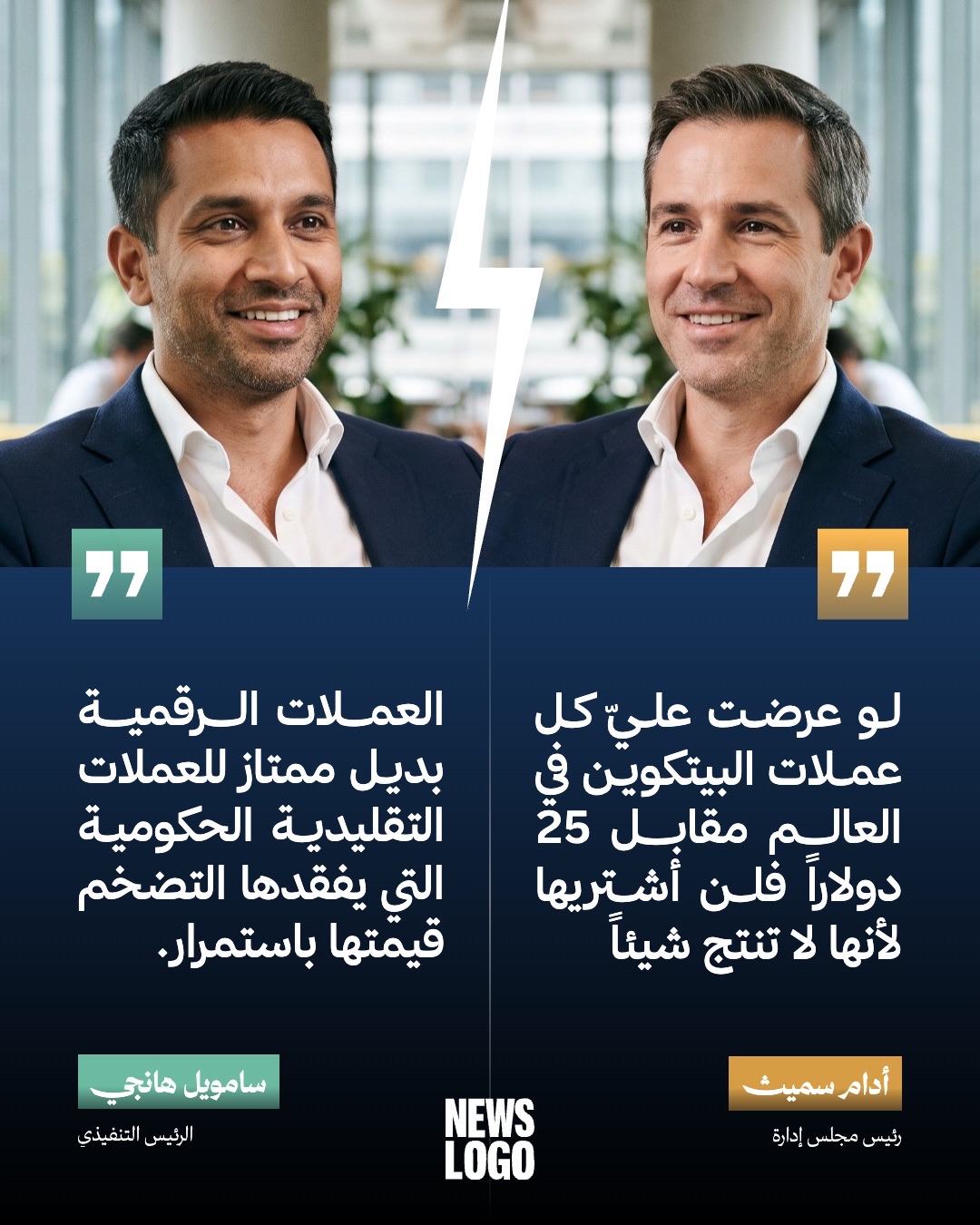
Two quotes
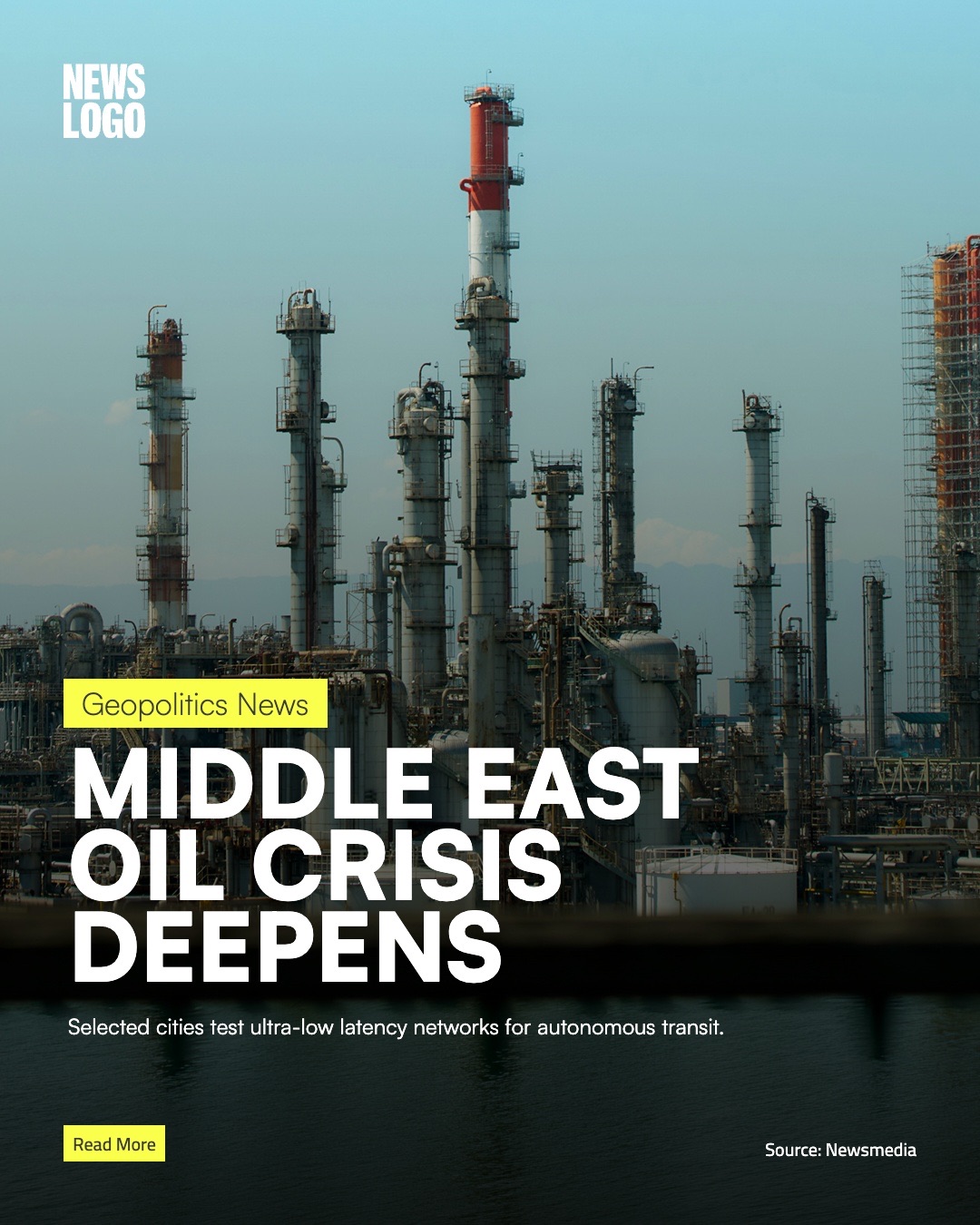
A headline
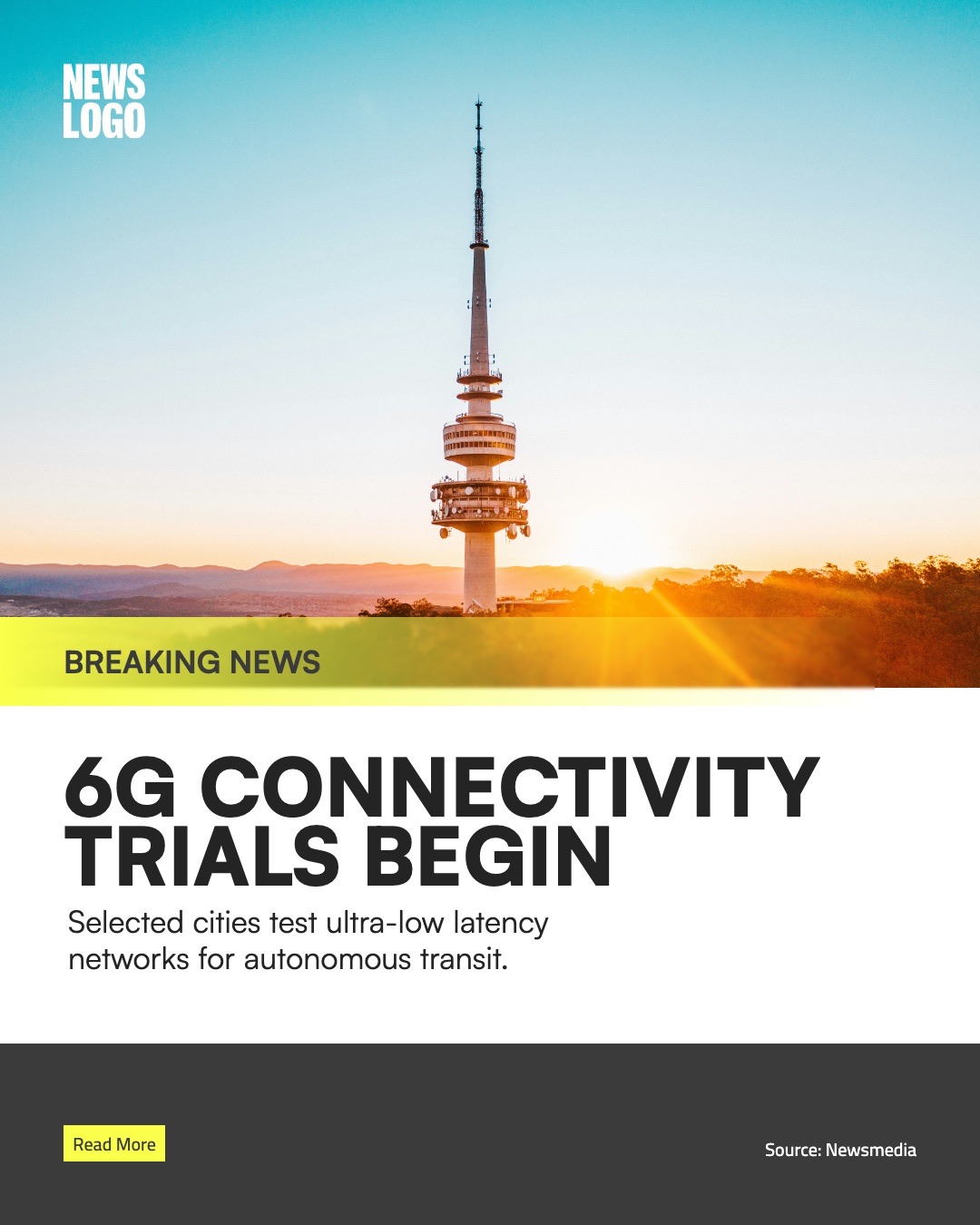
Breaking news
Square and portrait posts, Stories and YouTube covers. Choose a size and the poster is redrawn at it, then exported at full resolution.
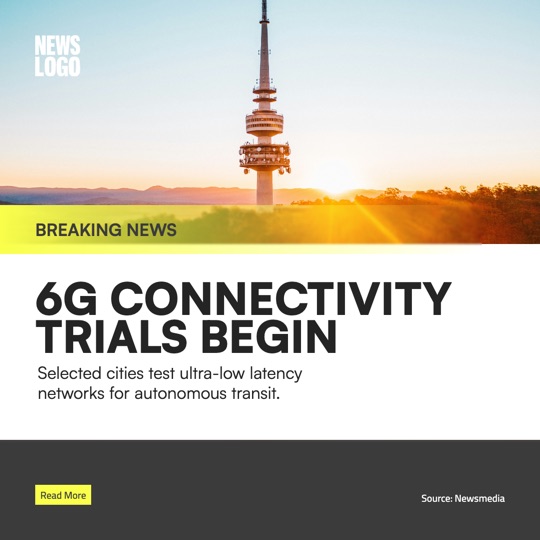
Square 1:1
1080 × 1080 px
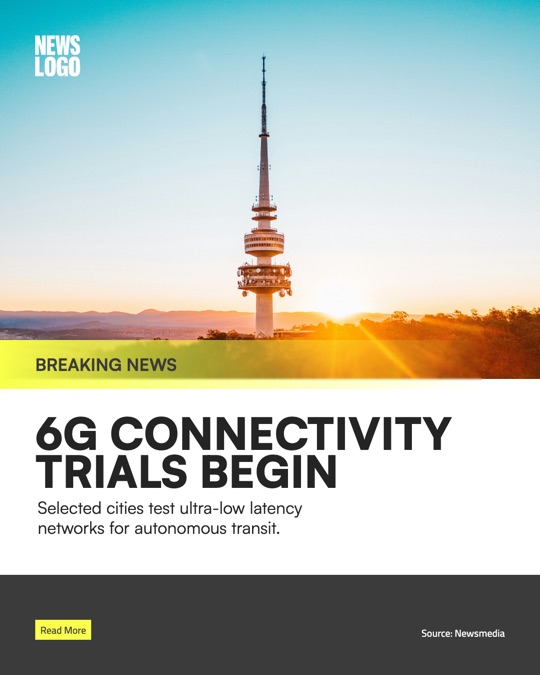
Portrait 4:5
1080 × 1350 px
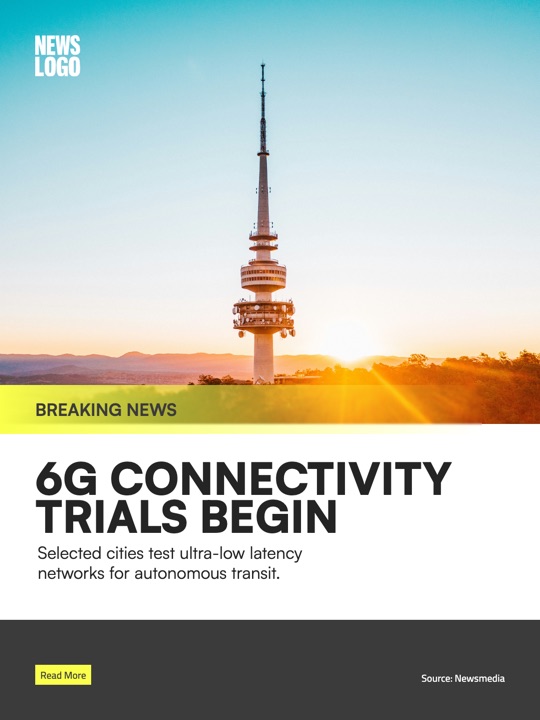
Portrait 3:4
1080 × 1440 px
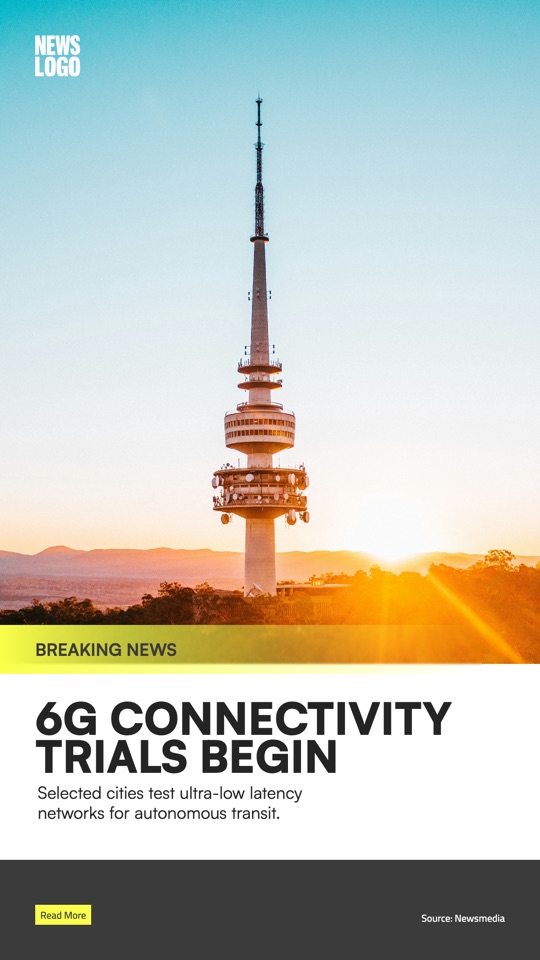
Story 9:16
1080 × 1920 px
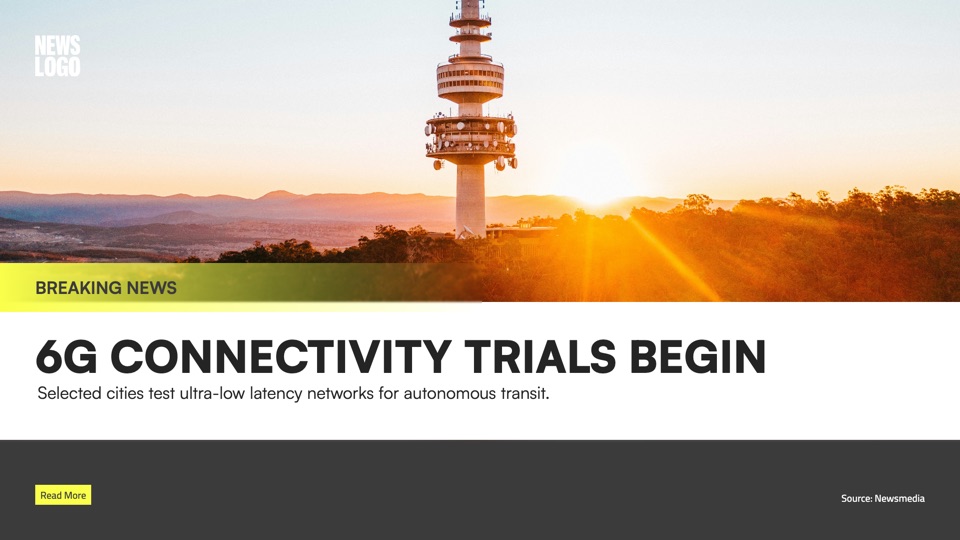
YouTube cover 16:9
1920 × 1080 px
Set Arabic type the way its font was drawn, and get the photo ready, all on the poster itself.
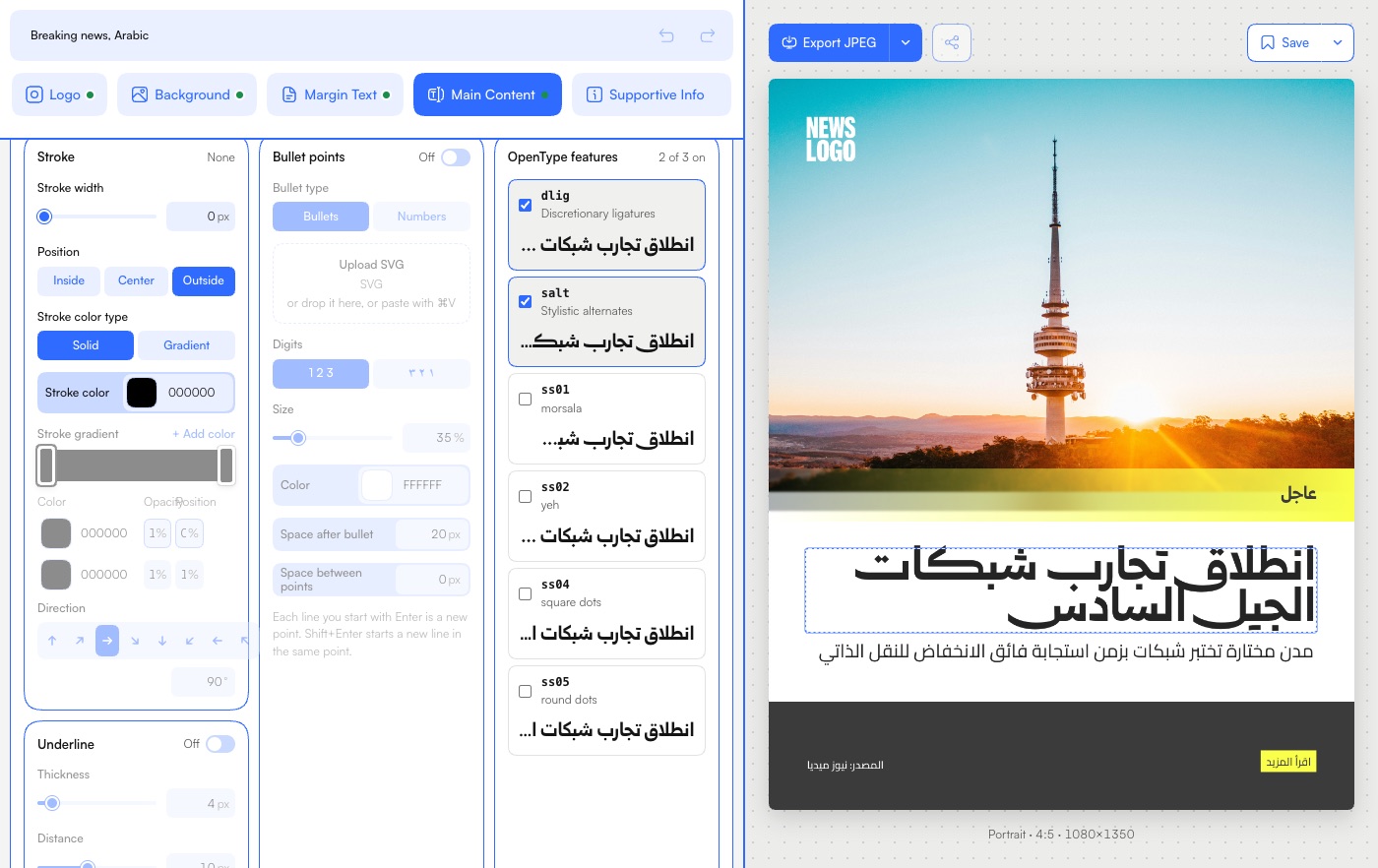
Upload your own licensed fonts and turn on what they offer: ligatures, stylistic alternates and stylistic sets. Each one is previewed in your own headline before you pick it.
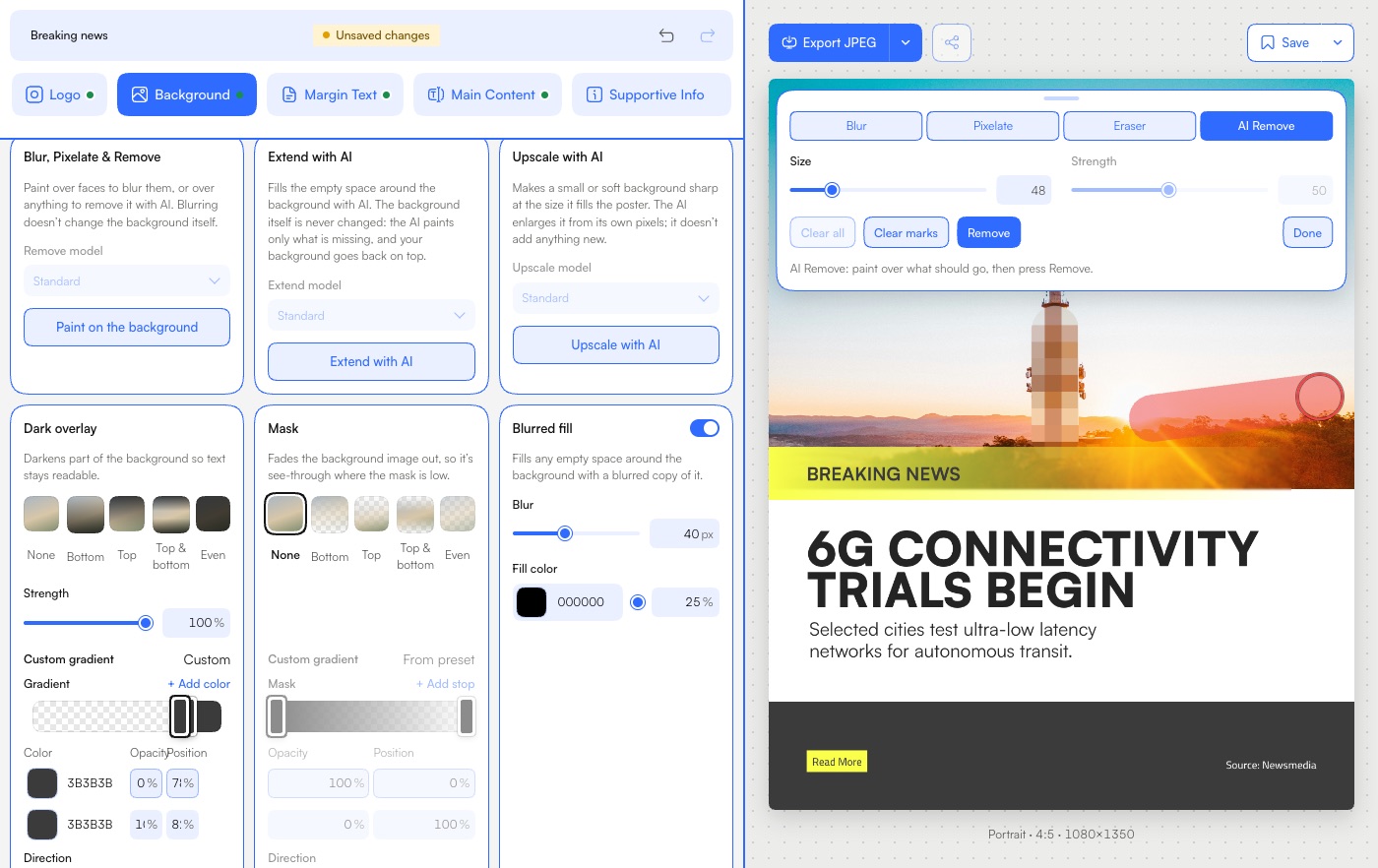
Paint over a face or a number plate to blur or pixelate it. The photo itself is never changed, so the eraser takes it off again. Or mark what shouldn’t be there and remove it with AI.
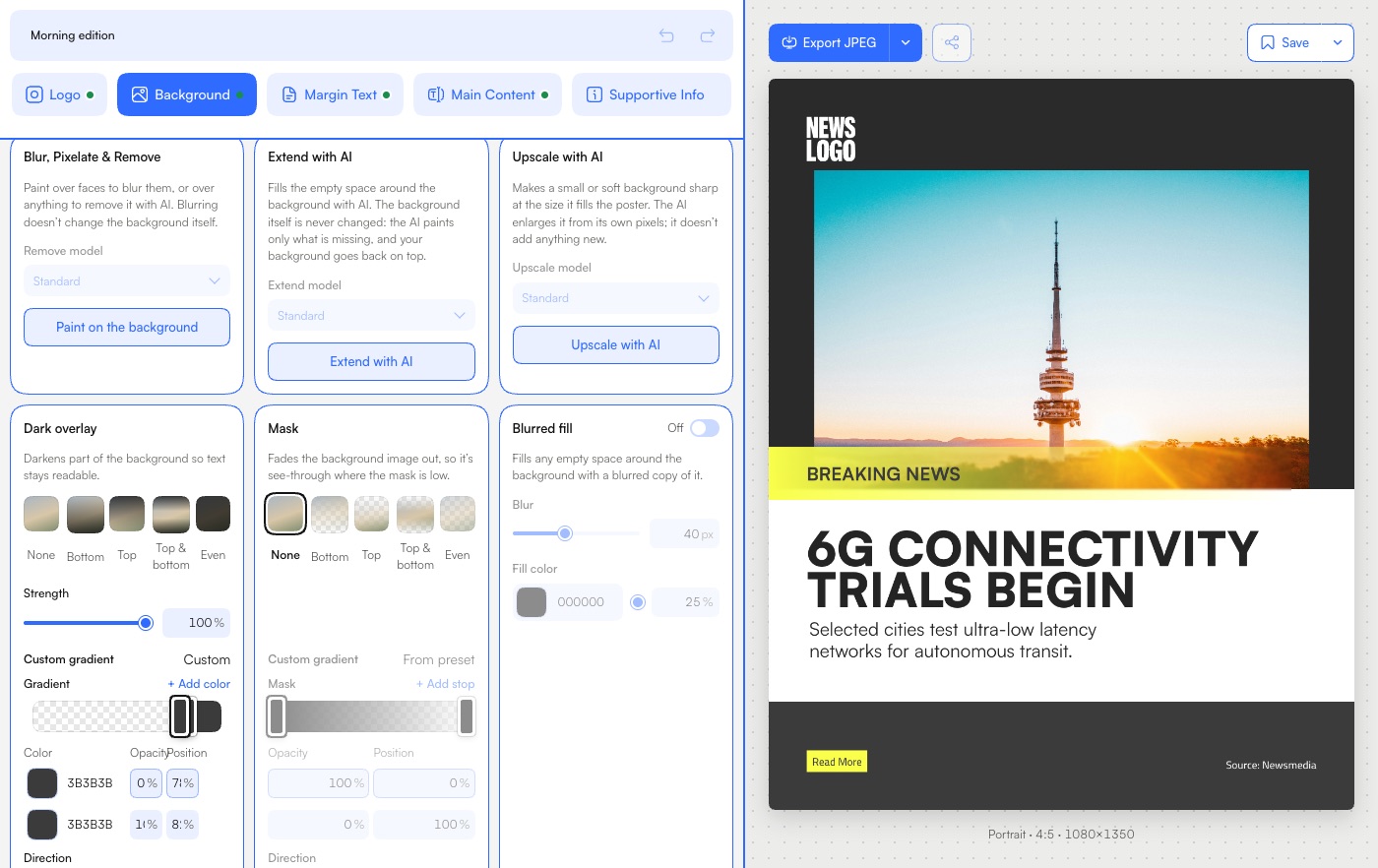
When a photo doesn’t fill the poster, the AI paints the empty space around it. Your photo goes back on top, pixel for pixel, so nothing in it is made up. It works for the background and for the images in Main Content.
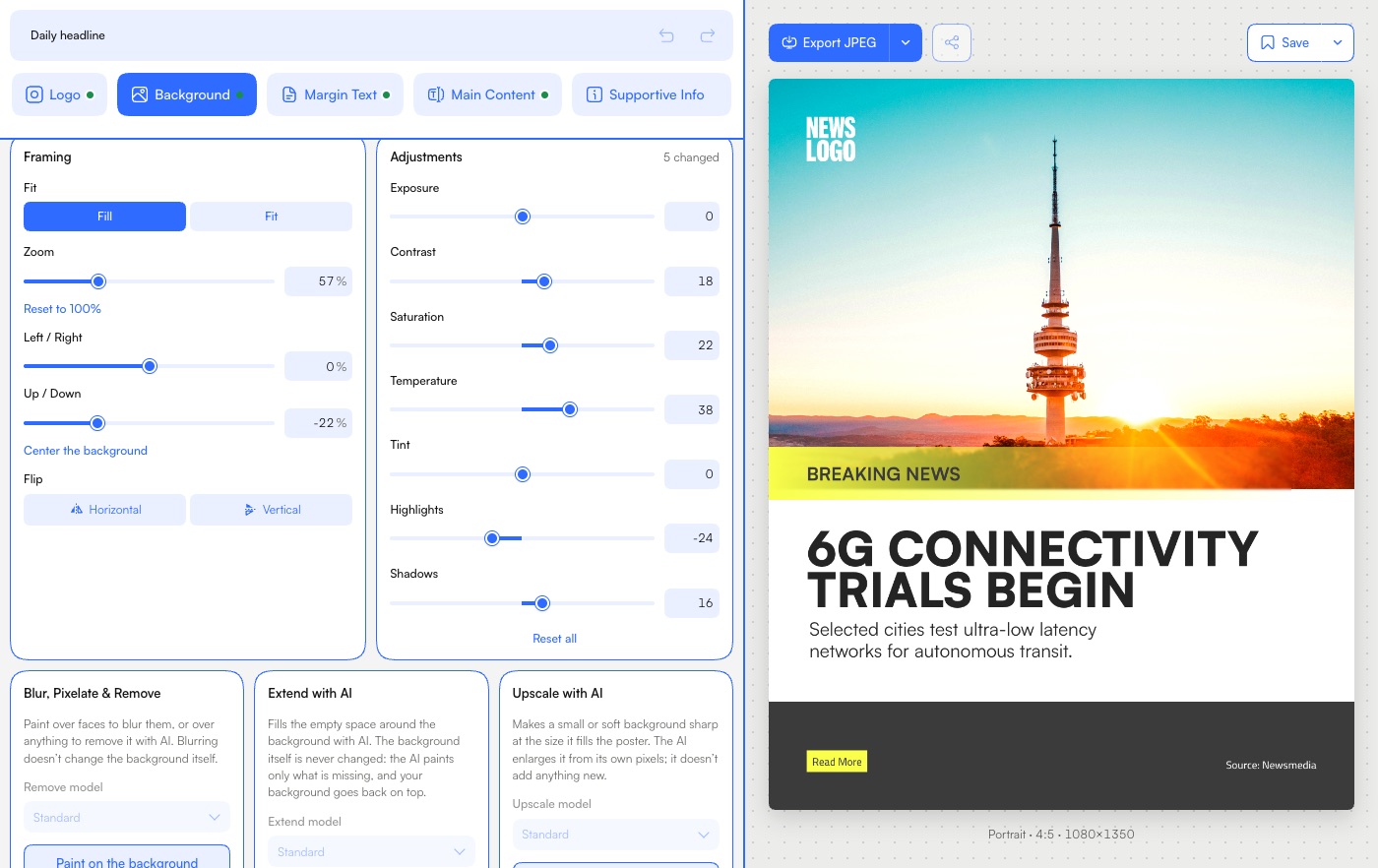
Exposure, contrast, saturation, temperature, tint, highlights and shadows, each on its own slider, with the poster changing as you move it. Reset all puts the photo back as it was.
FastGen suits any newsroom that puts posters on Instagram. Inside each, three roles:
Build the template once and decide, control by control, what editors can change.
Open a template, swap in the photo and headline, and export. No design skills needed.
Look after the team, the fonts and the brand colors.
Prices are flat per organization, not per seat.
$10 a month, billed yearly · save 17%
$26.67 a month, billed yearly · save 17%
$57.50 a month, billed yearly · save 17%
Custom: let’s talk.
See plansNo. The designer builds the template and decides what editors can change. FastGen is how their work reaches every poster.
A browser and an account. Sign in and you are in the editor. Nothing to install.
Any up-to-date Chrome, Edge, Safari or Firefox, on a computer, a tablet or a phone. Designers build templates on a computer or a tablet. On a phone, editors swap the photo and the headline and export. A poster comes out the same from every browser.
Yes. Upload your licensed fonts. How many depends on your plan.
Yes. Upload only fonts you are licensed to use.
Only your organization. We never use them to train AI.
Each plan says how many people it includes, admins and editors together. Plans are priced per organization, not per seat.
Only where you tell it to. AI Extend fills the empty space around a photo, and your original goes back on top untouched. Remove with AI works only inside the area you paint with the brush.
Yes, at any time: contact us. A monthly plan stays active until the end of the month you paid for, and then stops. Cancel a yearly plan within 14 days of a yearly payment, the first or a renewal, and you get that payment back in full. After those 14 days, it stays active until the end of the year you paid for. Nothing you made is deleted when a plan ends. The details are in our Terms.